


Record and share tasks, notes and updates in seconds

Say goodbye to


scattered to-do lists and a phone full of random site photos
.png)

.png)
Organise job notes, in one place
Capture notes from anything on site
Use videos, voice notes, photos, or text


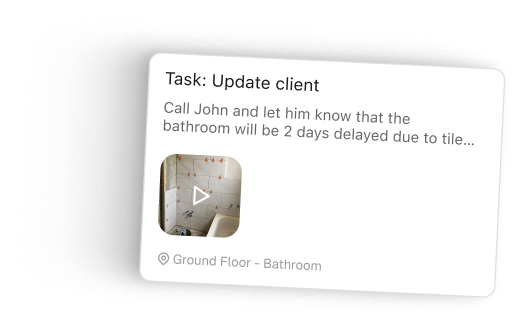
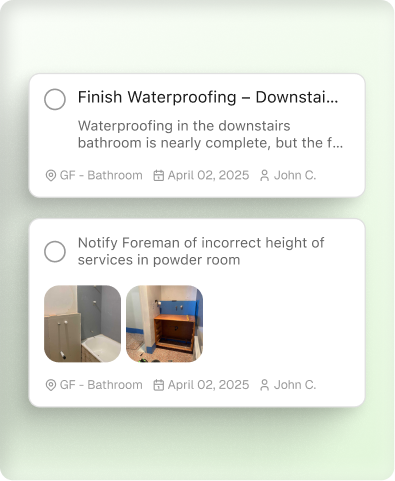
Keep track of tasks
Share and assign tasks to your contacts
Win more work with detailed quotes
Turn photos, video and notes into a detailed report to share with clients
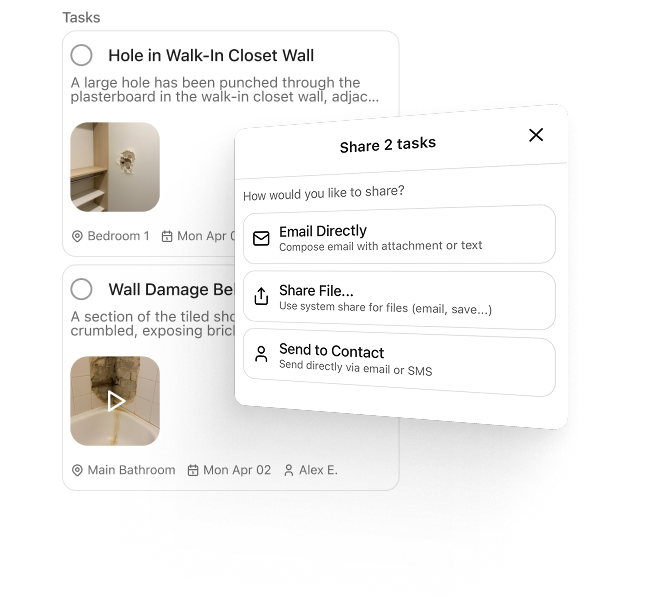
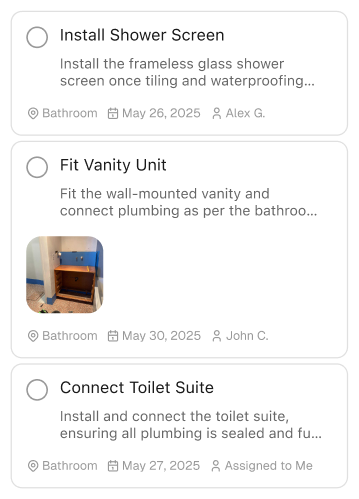
.png)
Never lose a note
See your site history organised by date or location
Generate custom reports
Convert notes to reports and share in seconds
.png)
Join the waitlist
To jump up the queue, refer your friends using the link we emailed you.
FAQs
Have a question that isn't listed? Get in touch at hello@supasite.ai
You can use supasite on any iOS and Android mobile device.
Join the waitlist and refer friends to get early access.
Think of supasite as your assistant, helping you capture notes while on the move. To get started, open the app and capture a note using photo, video, or audio.
AI will then process your notes, converting them into clear tasks or customisable, exportable reports. No more scattered to-do lists, defects or random images saved to your phone. Just a streamlined list of actions.
supasite is currently invite-only as we collaborate closely with early customers to shape the best experience. Join the waitlist and we’ll be in touch when access opens up.
They're stored on your phone, and we back up your notes and tasks.
Yes - supasite saves media to your device, not the cloud. Deleting media from supasite will delete it from your phone permanently.
supasite is currently free to use. You’ll get free credits every day, so you can capture notes, convert them into tasks, and generate reports.
We’d love to hear your feedback! Simply tap the menu button and select “Share feedback” to let us know your thoughts.
We’re here to help! Feel free to reach out to our team at hello@supasite.ai.
Yes, supasite is built by the BuildPass team but operates as a separate, stand-alone app. After gathering extensive customer feedback, we realised these needs would be best met with a dedicated tool that sits separately to BuildPass.
supasite is a complementary, separate tool to BuildPass. It helps you capture on-site observations that you might track across scattered to-do lists, handwritten notes, or photos before eventually being uploaded to your BuildPass account.
supasite helps on-site teams to capture everything in one place and convert it into clear, easy-to-read reports. These reports highlight actionable items that can be added to BuildPass, if needed.